
You’d think picking laser engraving software would be straightforward – download something, plug in your machine, and start creating. But here’s the thing: there’s a surprising amount of variation in what these programs can actually do, how they talk to different laser hardware, and whether they’ll work with your computer in the first place. Some are free but stripped down, others cost money but save you hours of frustration, and a few are locked to specific brands.
The best laser engraving software depends on what you’re trying to accomplish and what machine you’ve got sitting on your workbench. If you just bought a budget-friendly Chinese laser engraver, you’ll need something different than someone running a high-end fiber laser for industrial work. Your operating system matters too – not everything plays nice with Mac or Linux.
What Makes Good Laser Software Actually Good
The difference between decent laser cutter software and something that’ll make you want to pull your hair out comes down to a few core things. You need reliable communication with your machine’s controller board – whether that’s a Ruida, Trocen, GRBL, or something proprietary. Without that compatibility, you’re dead in the water before you even start.
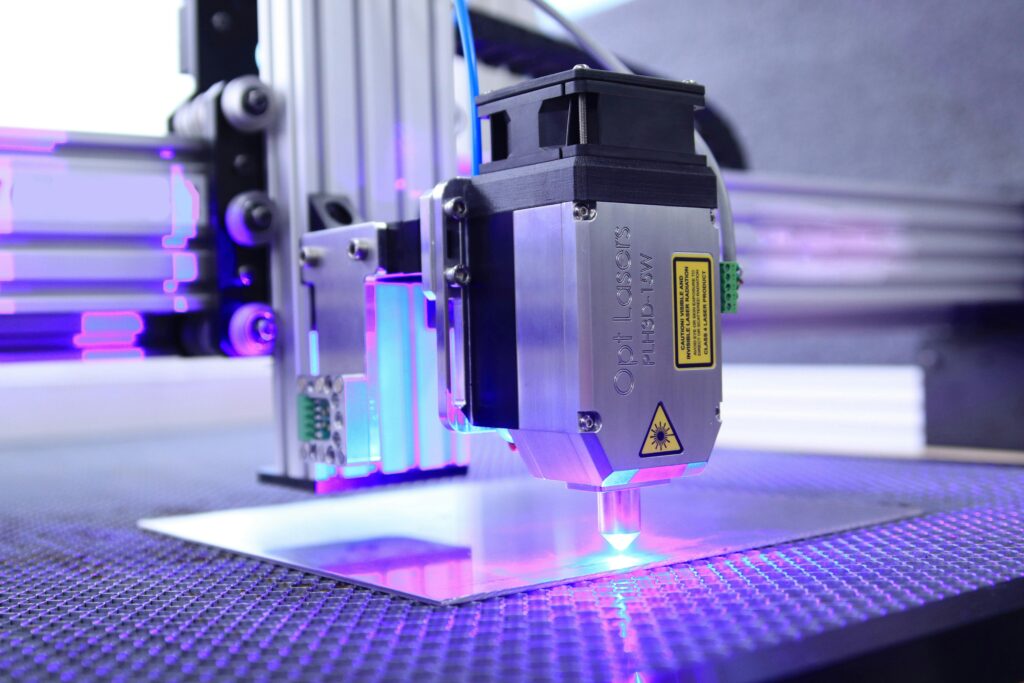
Good laser engraving design software should let you import multiple file formats (SVG, DXF, AI, PNG, JPG) without losing quality or detail. You’ll also want real-time preview so you can catch mistakes before wasting material, plus adjustable speed and power settings that you can tweak on the fly. Camera alignment is a luxury feature, but once you’ve used it, going back feels primitive.
The interface shouldn’t require a computer science degree to navigate. Some programs assume you already know what kerf compensation means or how to set up proper layer ordering – that’s fine for pros, but beginners need something more forgiving.
Top Laser Engraver Programs Worth Your Time
LightBurn sits at the top for a reason. It handles both cutting and engraving, works across Windows, Mac, and Linux, and supports an absurdly wide range of laser machines. The January 2025 update (version 2.5) added GPU-accelerated preview and AI-assisted kerf optimization, which is genuinely useful rather than just marketing fluff.
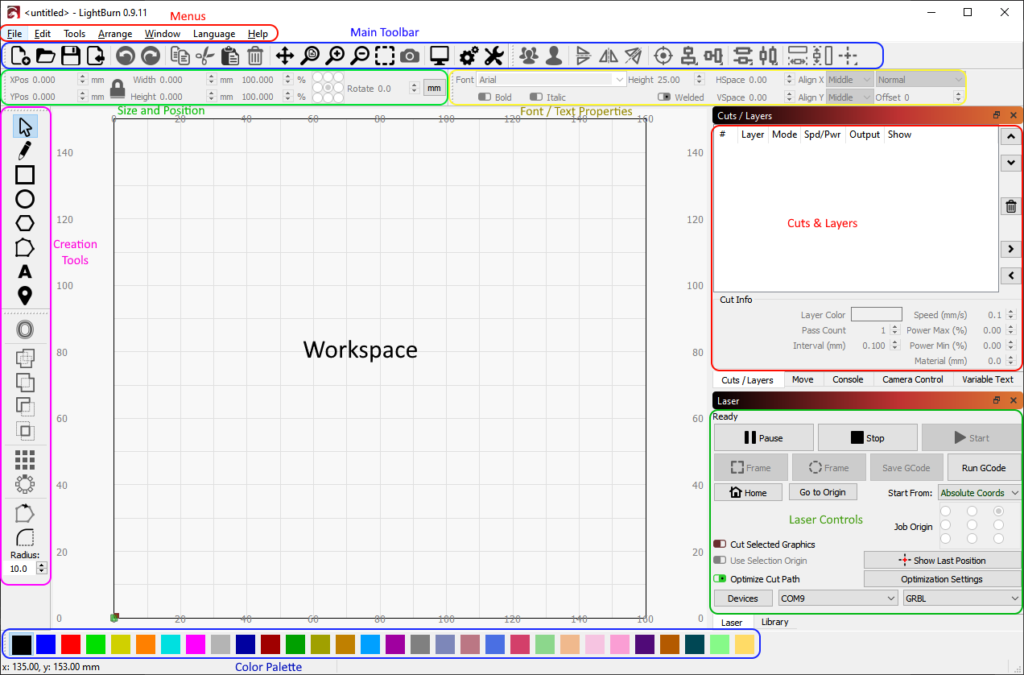
ou’ll pay around £85 for a perpetual license that covers three computers, and there’s a 30-day free trial so you can test it with your specific setup. The learning curve exists but isn’t steep – most people get comfortable within a few sessions.
For free software for laser engraving, LaserGRBL is the best option if you’re running a GRBL-based machine on Windows. It’s open-source, specifically designed for hobbyist laser cutters, and handles image engraving surprisingly well.
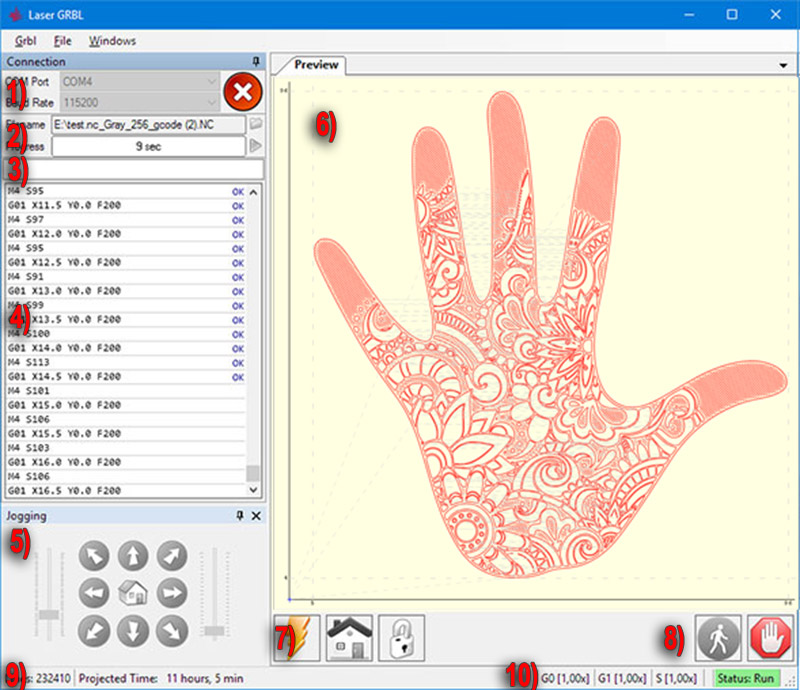
The interface is straightforward, and you get essential controls over speed, power, and G-code generation. The catch? It’s Windows-only and lacks some advanced features that paid options offer.
Inkscape deserves mention as versatile free laser software that works on Windows, Mac, and Linux.
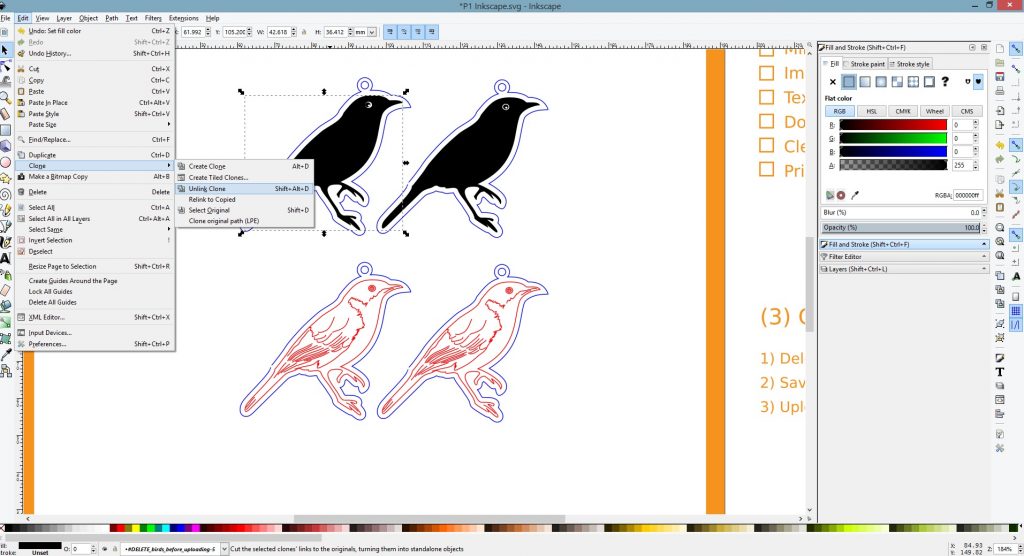
It’s technically a vector graphics editor, not dedicated laser engraver software, but with the right plugins it handles laser cutting tasks competently. The trade-off is a steeper learning curve and extra setup steps.
RDWorks is free laser cutting software that comes bundled with Ruida controllers, making it common in industrial settings.
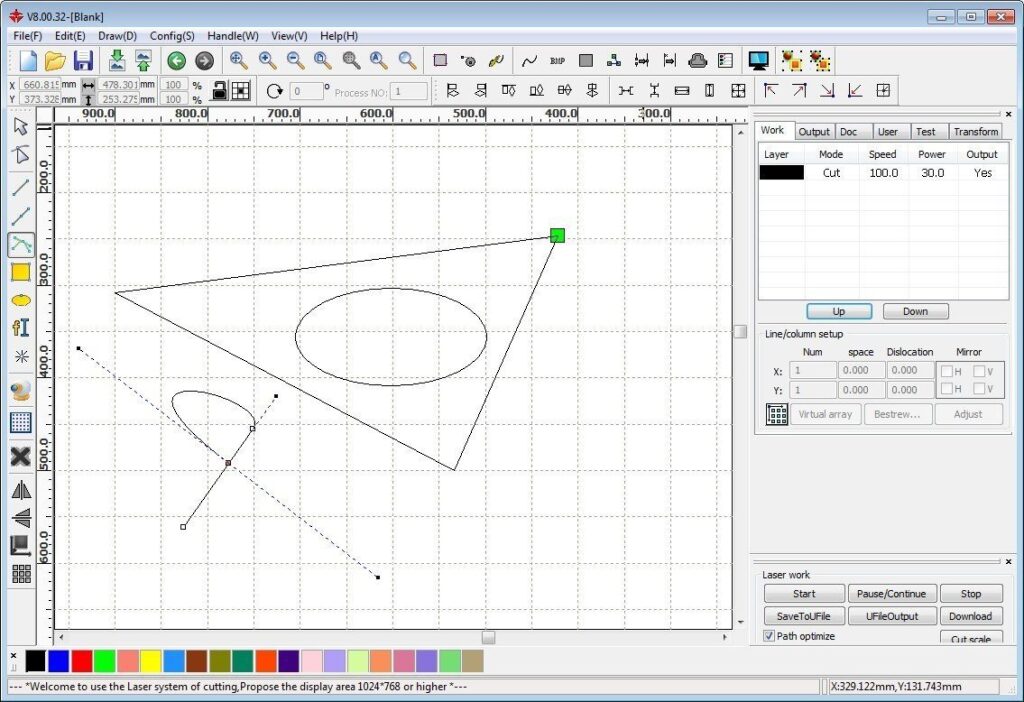
It supports DXF and AI files, offers layer-based cutting operations, and gives you detailed control over cutting parameters. The interface feels dated compared to LightBurn, but it gets the job done if your machine uses Ruida hardware.
Brand-specific options like xTool Creative Space (for xTool machines), ACMER Tool (for ACMER engravers), and Toocaa Studio (for Toocaa devices) offer seamless integration with their respective hardware. These are genuinely easier for beginners since they come with preloaded material settings and one-click device recognition. The downside is obvious – you’re locked into that ecosystem.
Choosing Software for Your Specific Laser Machine
Chinese laser engravers typically ship with basic proprietary software that ranges from barely functional to surprisingly decent. You can usually replace it with better alternatives, but you’ll need to verify controller compatibility first. Many Chinese machines use GRBL, Ruida, or Trocen controllers, which opens up options like LightBurn, LaserGRBL, or RDWorks. Check your machine’s documentation or contact the manufacturer before committing to paid software.
Diode lasers (the affordable hobby machines) work well with LaserGRBL, LightBurn, or LaserWeb. CO2 lasers need software that can handle more complex controller boards – LightBurn and RDWorks are solid picks. Fiber lasers used in industrial settings often require specialized programs like EZCAD 3, which comes bundled with galvo scan capabilities.
Your operating system limits your choices more than you’d expect. Windows has the most options (everything works), Mac users can run LightBurn, Inkscape, Fusion 360, and a handful of others. Linux support exists but is spotty – LightBurn, Inkscape, and LaserWeb are your best bets.
Design Programs That Pair Well With Laser Cutters
Most laser cut programs don’t include robust design tools – they’re built for control and file preparation, not creating artwork from scratch. That’s where dedicated design software enters the picture. Adobe Illustrator remains the industry standard for vector work, exporting clean files that laser software loves. The subscription cost bothers some people, but the precision and advanced features justify it for professionals.
CorelDRAW offers similar capabilities with a one-time purchase instead of recurring payments, plus it integrates directly with some laser systems through plugins like LaserDraw. Fusion 360 handles both 3D modeling and 2D laser cutting, making it valuable if you work on complex projects that need precise engineering. It’s free for hobbyists but requires a subscription for commercial use.
For simpler projects, Canva works surprisingly well as beginner-friendly design software, though you’ll need to export your designs and import them into proper laser engraver programs. Cuttle specializes in generating SVG files optimized for laser cutting.
Free Software for Laser Cutting That Actually Delivers
Finding laser cutter software free downloads that aren’t malware-ridden garbage takes some digging. LaserGRBL is the safest bet – grab it directly from lasergrbl.com and you’ll avoid sketchy mirrors. Inkscape comes from inkscape.org and is clean, well-maintained open-source software.
Free laser engraving software for Windows includes LaserGRBL (GRBL machines only), Inkscape (with plugins), and trial versions of T2Laser or LightBurn. The LightBurn trial is genuinely full-featured for 30 days, which gives you enough time to complete a project or two before deciding whether to buy.
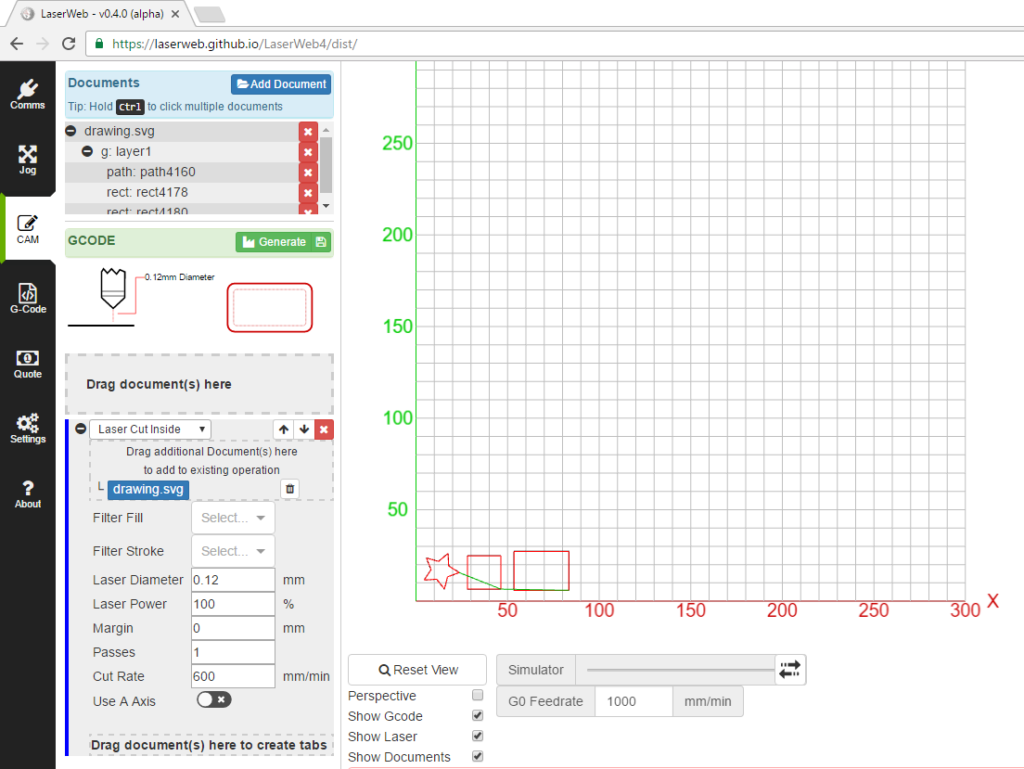
LaserWeb is worth mentioning as open-source laser program that runs on Windows, Mac, and Linux. It offers multi-pass engraving, precise control over laser parameters, and imports SVG/DXF files. The documentation is thorough, though the interface takes some getting used to.
Brand-specific free options work well if you own the matching hardware. ACMER Tool eliminates the learning curve with built-in design tools and preloaded material libraries. Toocaa Studio mimics LightBurn’s feature set without the license fee, though it’s optimized specifically for Toocaa engravers.
FAQ
Q: What’s the best laser engraving software for beginners?
A: LightBurn offers the best balance of features and usability, with a 30-day free trial to test compatibility. For completely free options, LaserGRBL works well with GRBL-based machines, though it’s Windows-only.
Q: Can I use free laser cutting programs for commercial projects?
A: Yes, open-source programs like LaserGRBL and Inkscape have no licensing restrictions for commercial use. However, trial versions of paid software (like LightBurn’s 30-day trial) typically prohibit commercial work during the trial period.
Q: Does laser etching software work on Mac computers?
A: LightBurn, Inkscape, Fusion 360, and LaserWeb all support macOS. LaserGRBL is Windows-only, and many Chinese laser engraver software downloads are Windows-exclusive.
